)
)

Your Event Experience Starts NOW!
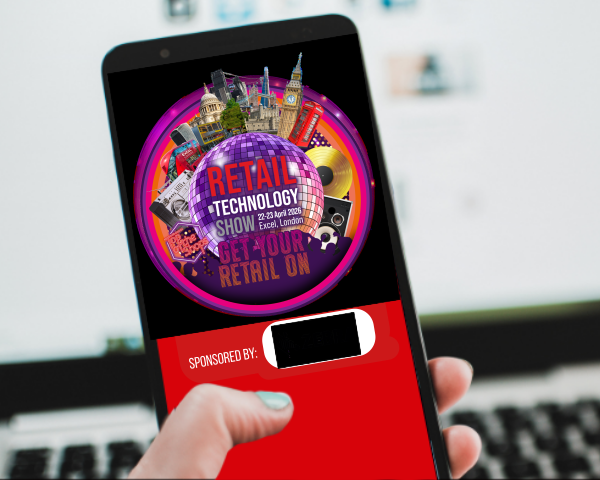
Make the most of your visit by downloading the essential Retail Technology Show App, proudly sponsored by Zebra
The Retail Technology Show App gives you the tools to connect, plan, and make the most of the show, before, during, and after the event!
Features include:
🤝 Meeting Scheduler: Book meetings with ease and maximize your time.
🤖 AI-Powered Recommendations: Discover sessions and connections tailored just for you based on your interests and profile.
🗺️ Interactive Floorplan: Navigate the show like a pro with our real-time, wayfinding map
📅 Personalised Agenda: Your show, your way. Bookmark exhibitors and must-see sessions for a seamless experience.
👥 Attendee List: Connect with exhibitors and sponsors.
🏆 Join the Zebra Scavenger Hunt & Win: Take part in Zebra Technologies’ exciting hunt for a chance to win brand-new, innovative technology!
Search: Retail Technology Show or click on the below to download through Apple App Store or Google Play
Your interactive AI-powered digital showguide
Zebra's Scavenger Hunt Competition
 Ready for an adventure? Look for Zebra across the show floor at any of their partner stands. To easily locate them, download the official Retail Technology Show app, start building your agenda and look out for the Zebra logo on the interactive map.
How to play:
- Pick up Your Stamp Card from the Elo stand (M38).
- Collect Stamps: Visit the Zebra representative at each partner stand to get a stamp and a puzzle piece.
- Go to the Zebra Lounge: Once your card is full, head to the Zebra lounge in South Gallery, Room 9. You can either return to the Elo stand for an escort or go by yourself.
- Relax and Win: Enjoy a drink at the lounge to be automatically entered into our prize draw for a chance to win the Zebra and partner technology.
The App is available directly from the App Store or Google Play
Scan QR to download directly to your phone